The Ultimate Guide to Basketball Legends
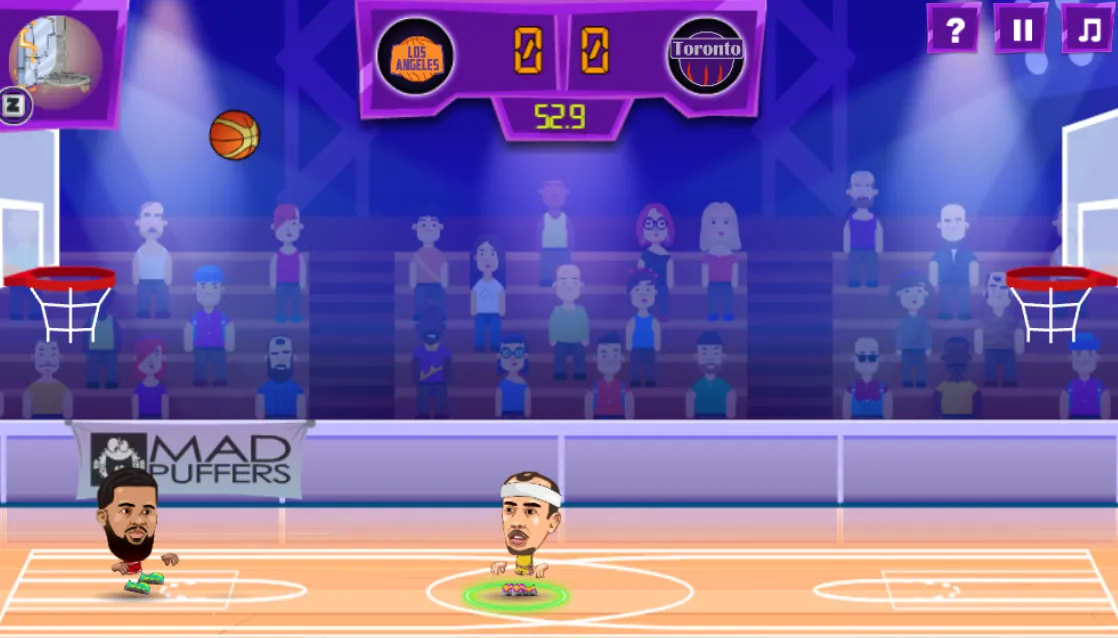
Basketball Legends isn't just another entry in the crowded genre of browser sports games—it is the definitive arcade basketball experience for the HTML5 era. Developed by MadPuffers, this game strips away the tedious fouling rules and referee whistles of realistic simulators, distilling the sport down to its most exciting elements: ankle-breaking crossovers, gravity-defying dunks, and the satisfying swish of a 3-pointer.
Whether you are killing time during a break or looking to dominate a friend in local 2-player mode, mastering the mechanics of Basketball Legends requires more than just button mashing. It requires understanding the unique stats of each caricature legend, mastering the timing of the Supershot, and knowing exactly when to go for the steal. This guide covers everything from basic controls to high-level tournament strategies.
Core Mechanics: How to Dominate the Court
The Art of the Supershot
The defining feature of Basketball Legends is the Supershot. Located at the top corners of your screen, the confidence meter fills up as you score baskets, block shots, or grab rebounds. Once fully yellow/flaming, you can unleash a special move.
- The Mega Dunk: Use this when near the paint. It is nearly impossible to block and often knocks down the defender.
- The Flaming 3-Pointer: Use this from downtown. It has a high trajectory and guarantees points if not blocked immediately at the release point.
- Defense Tip: Do not waste your super on an easy layup. Save it for a clutch 3-pointer to close a point gap.
Defense & The "Ankle Breaker"
Defense wins championships, even in browser games. The "Steal" button is a double-edged sword. If you time it right, you strip the ball. If you mistime it, your character lunges forward and enters a recovery animation.
The Dash Mechanic: Double-tapping a direction key (A/D or Arrows) initiates a dash. Offensive dashes can stun a defender who is spamming steal. Defensive dashes allow you to close the gap on shooters. Master the dash to control court spacing.
Master the Controls
Supports Keyboard & Gamepad mappingsBasketball Legends is best played with a keyboard. The dual-control scheme allows two players to compete on a single device without input lag.
| Action | Player 1 (Left) | Player 2 (Right) |
|---|---|---|
| Move / Dash (Double Tap) | A / D | Left / Right Arrows |
| Jump | W | Up Arrow |
| Pump Fake / Block | S | Down Arrow |
| Steal / Shoot | X or L | K or Z |
| Supershot (Special) | Z or K | L or X |
Choosing Your Legend: Stats & Archetypes
The Sharpshooter
Modeled after legends like Curry or Bird.
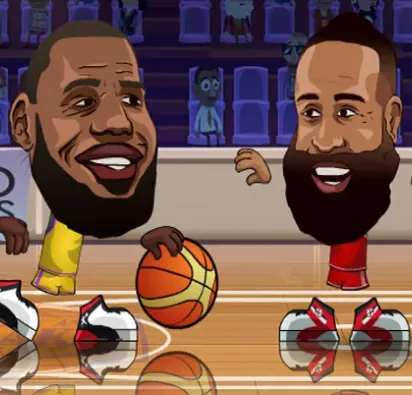
These characters have high shooting stats but lower strength. Their Supershot is usually a long-range projectile.
The Powerhouse (Bigs)
Modeled after legends like Shaq or Malone.
Dominant inside the paint. They are slower but have massive hitboxes, making them excellent at blocking shots without jumping.
Game Modes Explained
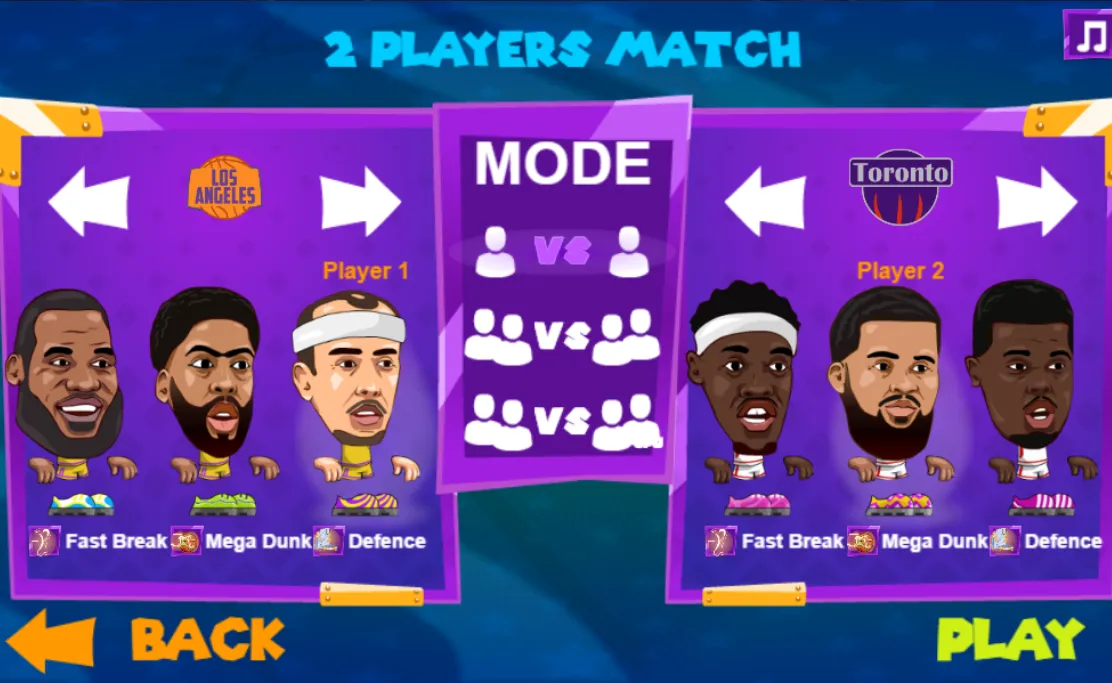
1 vs 1
The purest test of skill. No AI teammates to rely on. It's just you, your opponent, and the clock. Stamina management is critical here.
2 vs 2
Chaotic fun. You control one player while the AI controls your teammate. Pro Tip: Pass the ball often. The AI defenders often double-team the ball handler, leaving your teammate wide open for an alley-oop.
Tournament
The campaign mode. Battle through a bracket of increasingly difficult AI teams. Winning tournaments is the only way to unlock the rarest achievements and hidden legends.
Why is it "Unblocked"?
The term "Basketball Legends Unblocked" refers to the game's accessibility. Many schools and workplaces restrict access to gaming domains using firewalls. However, because Basketball Legends is built on HTML5 (not Flash) and is often hosted on educational-friendly platforms or Google Sites (unblocked 66, unblocked 76), it remains playable in restricted environments.
This version of the game runs directly in your browser without plugins, ensuring compatibility with Chromebooks, iPads, and standard desktop PCs.